miroMOTION DC20

Miro logo SVG.

In the 1990s, playing full-screen digital video often required specialized computer hardware. One such solution was a PCI card called miroMOTION DC20, which supported video capture, editing, and playback at a pixel resolution of 640 x 480 at a smooth 60 fields per second in 24-bit color.

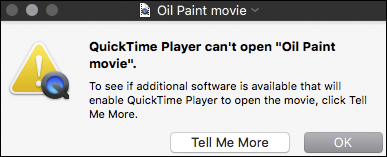
The DC20 encoded video data using a proprietary motion JPEG format, readable only on computers also containing a hardware decoder. Computers without the appropriate hardware would display blank video or fail altogether.
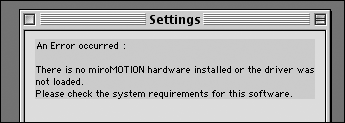
dc20_panel_failure_os8

quicktime_10_failure

Fortunately, there are some workarounds to recover orphaned DC20 video files.  If software solutions like the DC30 Xact Driver for Mac G4Morgan M-JPEG codec for Windows, or OS emulation are unsuccessful, the approach below may help.

Legacy QuickTime Pro + Handbrake

This method relies on access to a Mac running OS X 10.6 or older using QuickTime Pro.  If such a machine is unavailable, it might be possible to run a virtualized copy of OS X within VMware instead.

First, open an unplayable DC20 video file in QuickTime Player.  Ignore any error messages about missing software.  If the application refuses to even open the video, you may have to try an even older version of QuickTime.
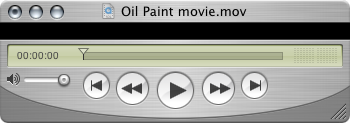
QuickTime Pro 7 on an Apple Xserve G4 running OS X 10.4.
QuickTime Pro 7 with blank video on an Apple Xserve G4 running OS X 10.4.
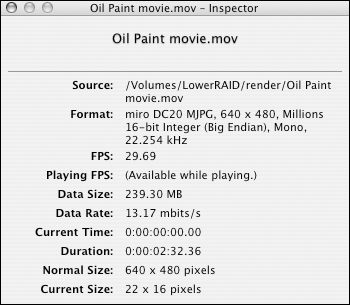
dc20_inspector
QuickTime 7 movie inspector panel.
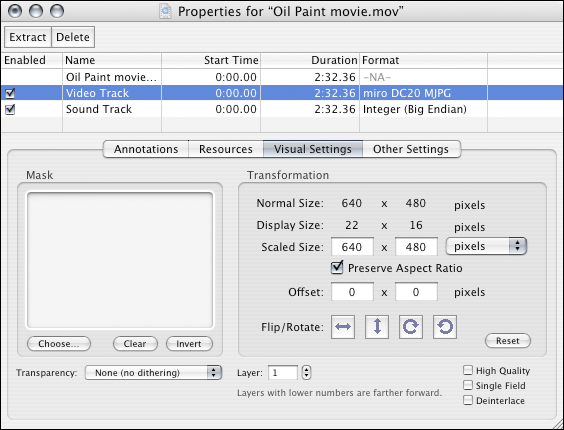
qt_miromotion_properties
DC20 movie properties in QuickTime 7.

Next, re-save as a self-contained movie.
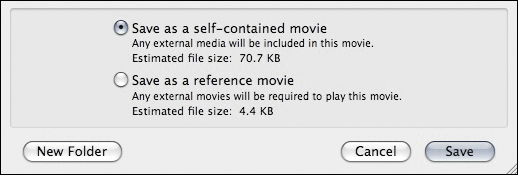
save_as_self_contained
Save as self-contained movie in QuickTime Pro 7.

Then open the newly-exported movie in a video transcoder like Handbrake.
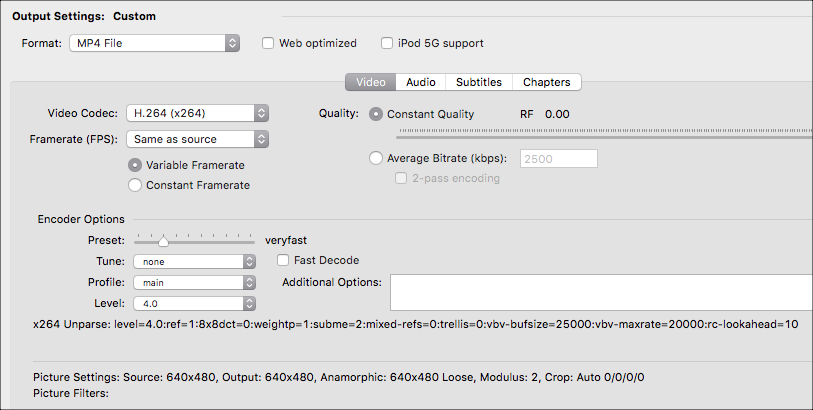
handbrake_queue
HandBrake 0.10.2 queue on OS X 10.11.2.

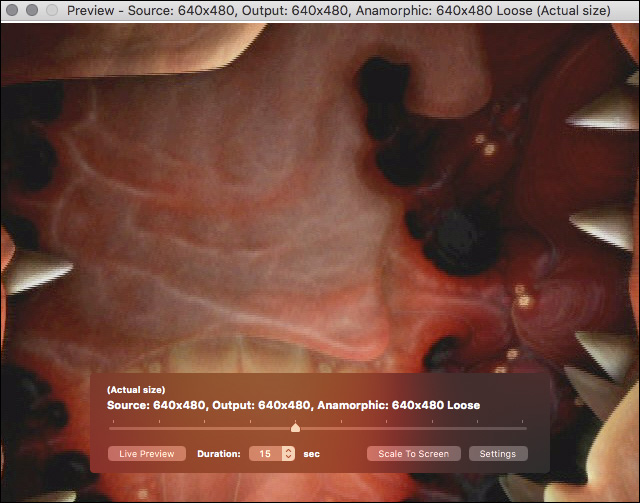
Inspect the image quality using Handbrake’s video preview.  Try exporting in a more recent video format like H.264.
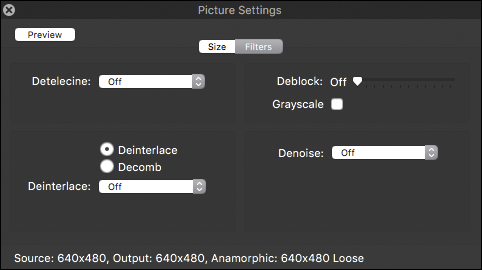
Handbrake picture settings.
handbrake_preview
Handbrake image quality preview.

Sadly, no transcoding process can rescue old video files from filesystem bitrot, the silent corruption of electronic data over time.
corrupted image data
Casualty of filesystem bitrot.

Magazine Sketches

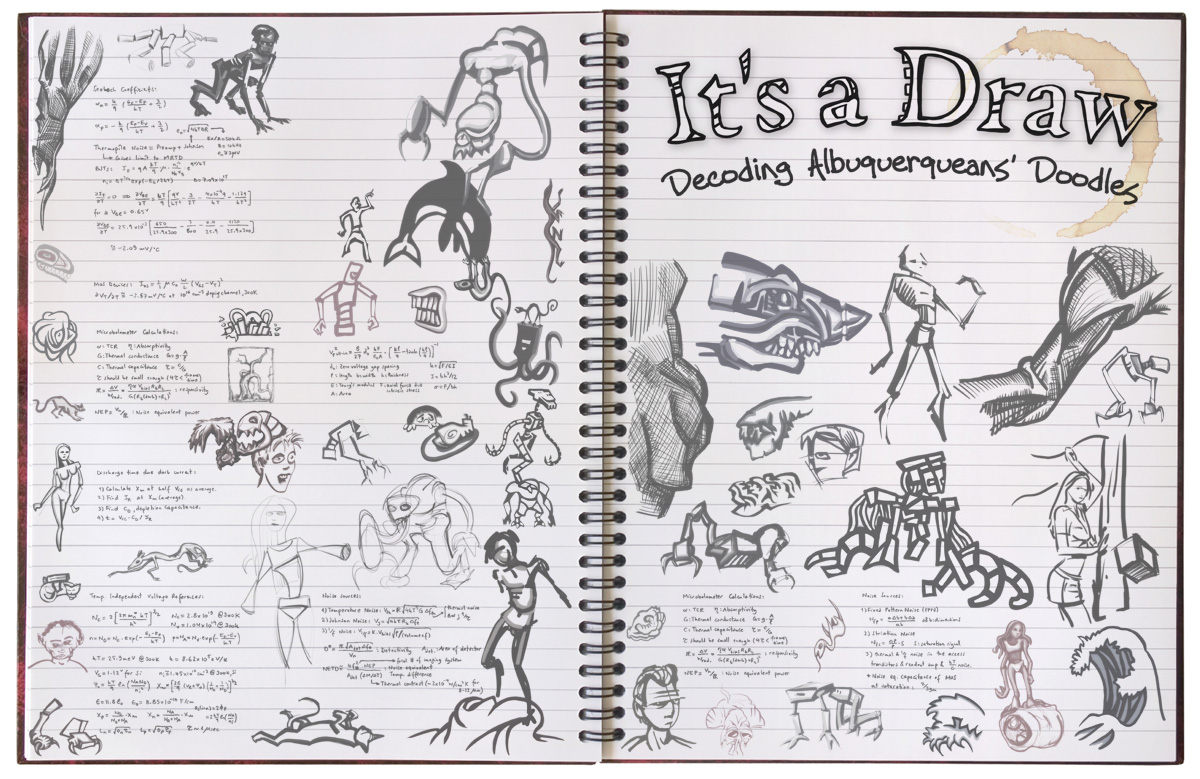
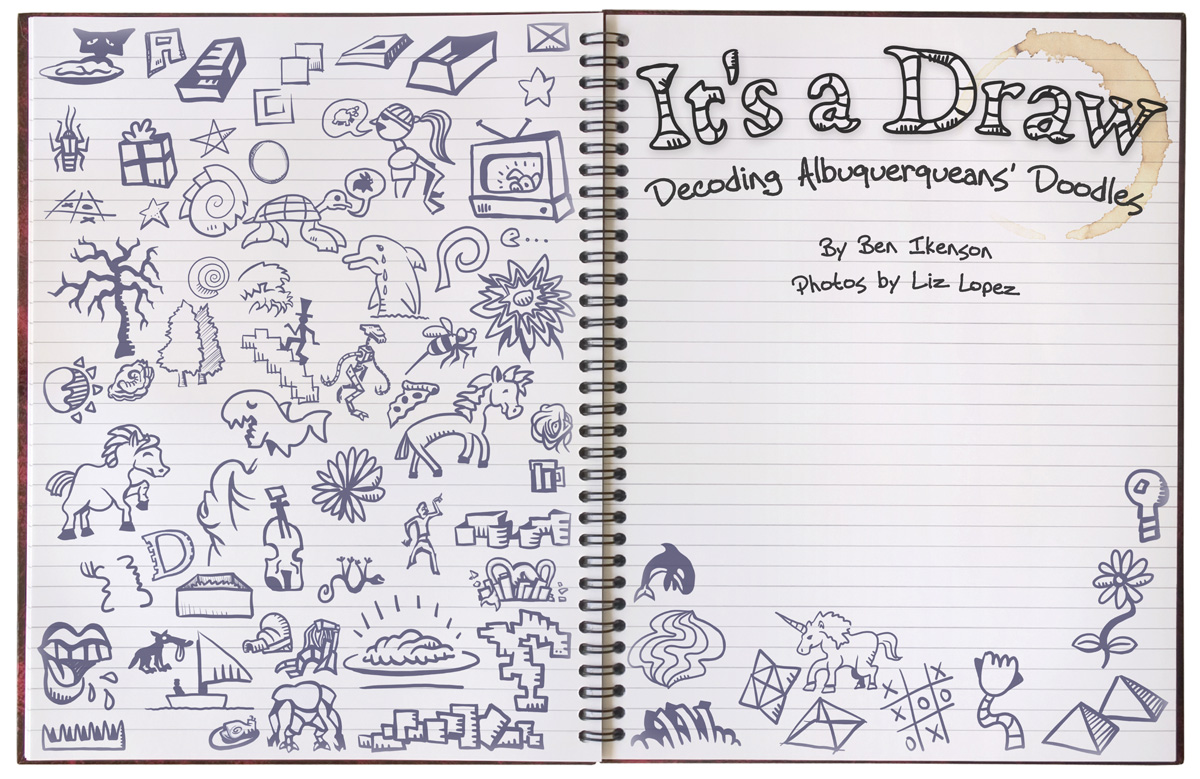
Title page for a feature for Albuquerque the Magazine from 2009:

Line art logo

Preliminary version.
Closer view.
Closer view.
Design revision.
Design revision.
Simplified, more cartoony final version.
Simplified, cartoony final version.
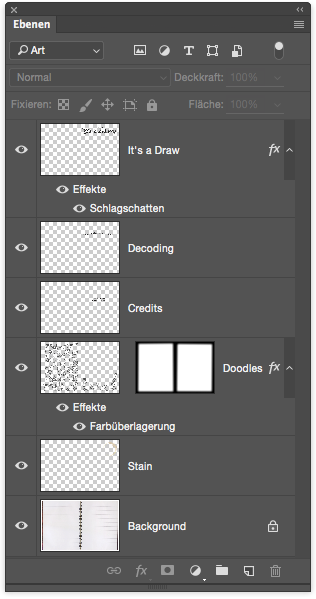
Photoshop layer structure.
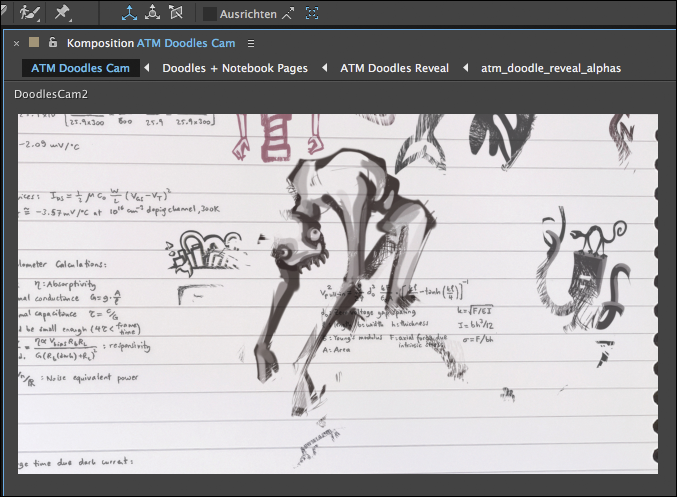
Arranged in After Effects for an animated reveal:

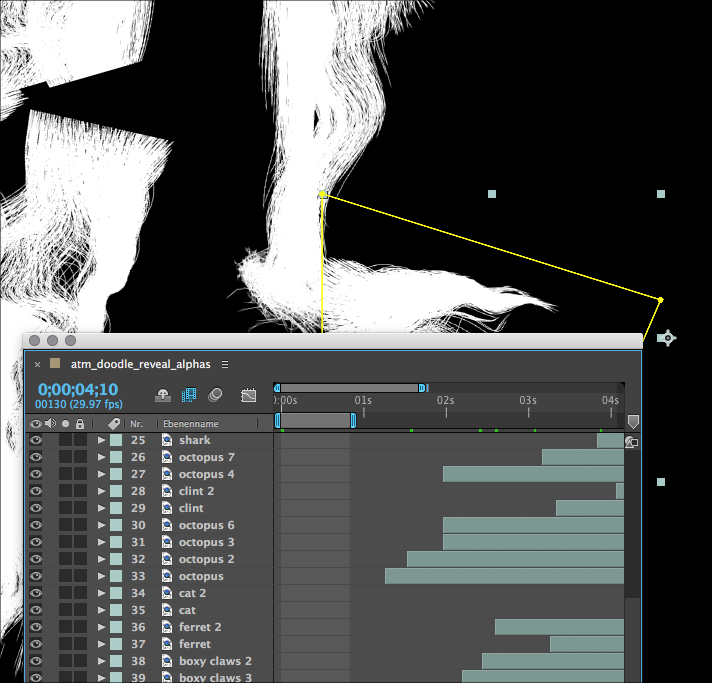
After Effects Sketches Alphas 2012
After Effects overlapping animated alpha channels.
After Effects composition.

Test animation from 2012:

Codpieceware

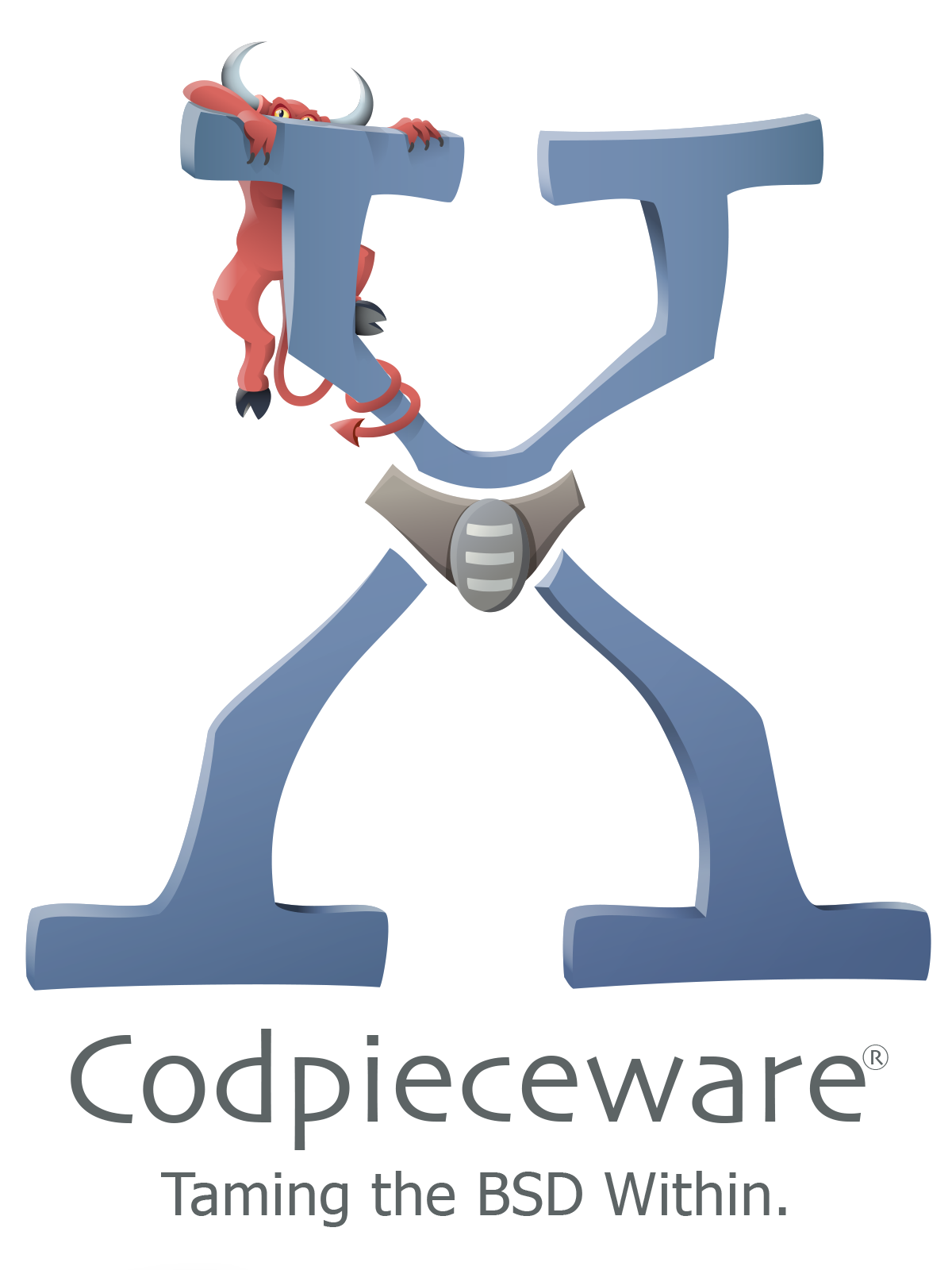
Branding project from 2001 for a New York-based software development company called Codpieceware:

Codpieceware Logo 2001

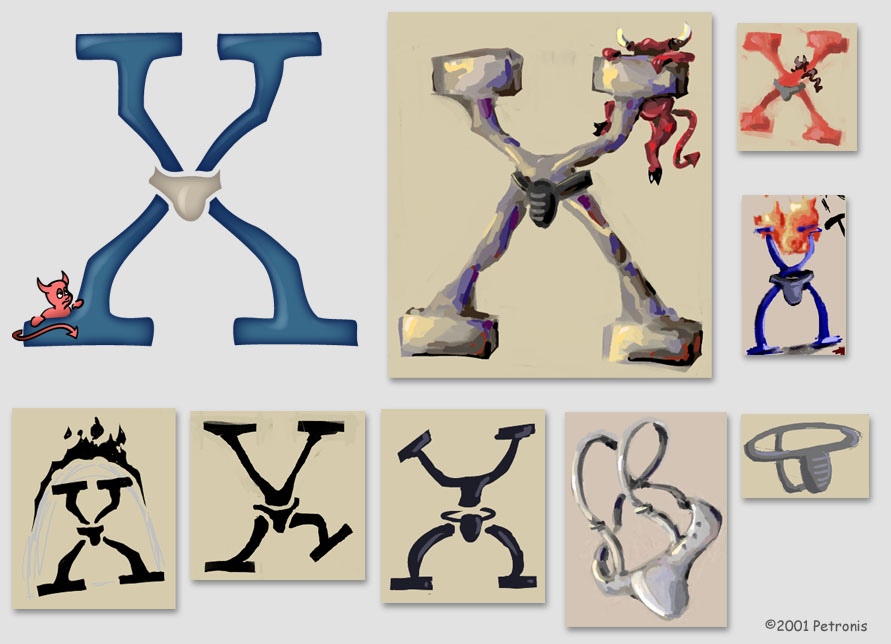
The company’s name was a reference to Stanley Kubrick’s 1971 film “Clockwork Orange.”  The blue X shape borrowed from Apple’s liquid-themed system software branding, and the red figure was a nod to Beastie, the BSD daemon mascot.

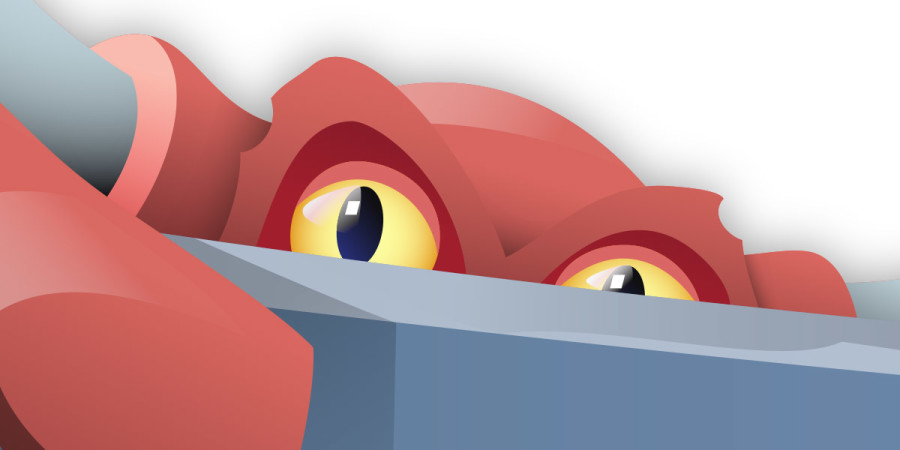
Logo closeup.
Logo closeup.
Codpieceware Logo Black
Stencil Codpieceware logo.
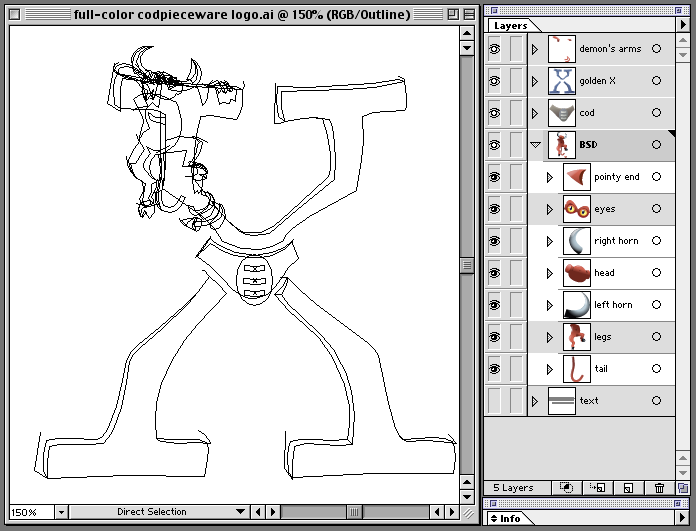
Codpieceware logo layers in Illustrator.

Codpieceware sought to help users take advantage of the UNIX functionality within Apple’s new operating system.  One of their applications was a system diagnostics and analysis utility called “Logg.app.”

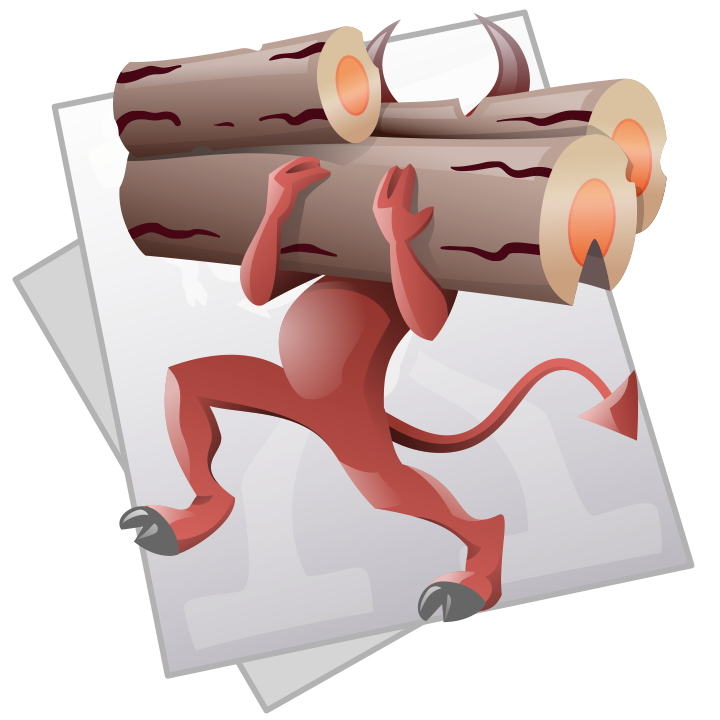
Application icon for Mac OS X 10.0.
“Logg.app” Application icon for Mac OS X 10.0.
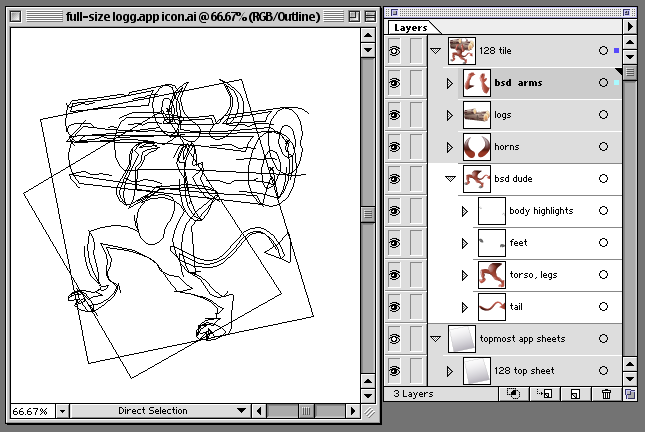
Illustrator document layers.

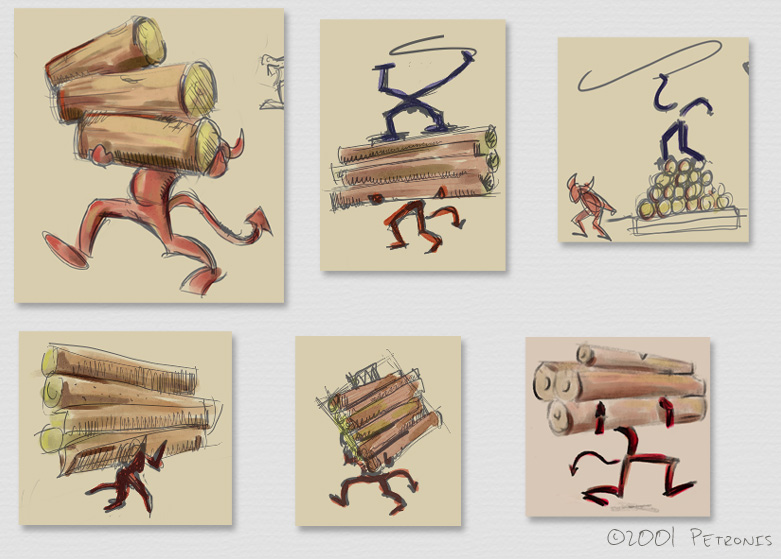
Early conceptual branding ideas:

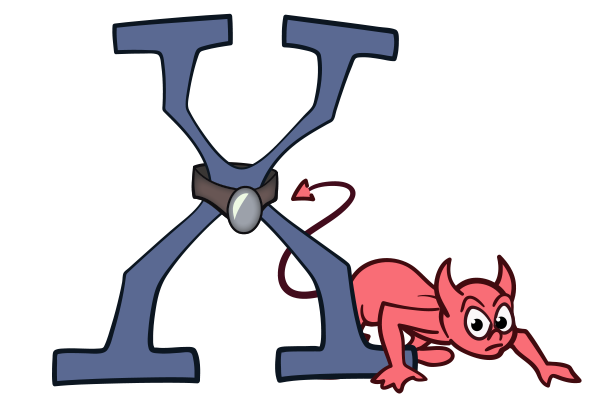
Preliminary cartoonish logo.
Codpieceware "Logg.app" icon concept development.
Codpieceware “Logg.app” icon concept development.
Codpieceware logo concept development.

Derry

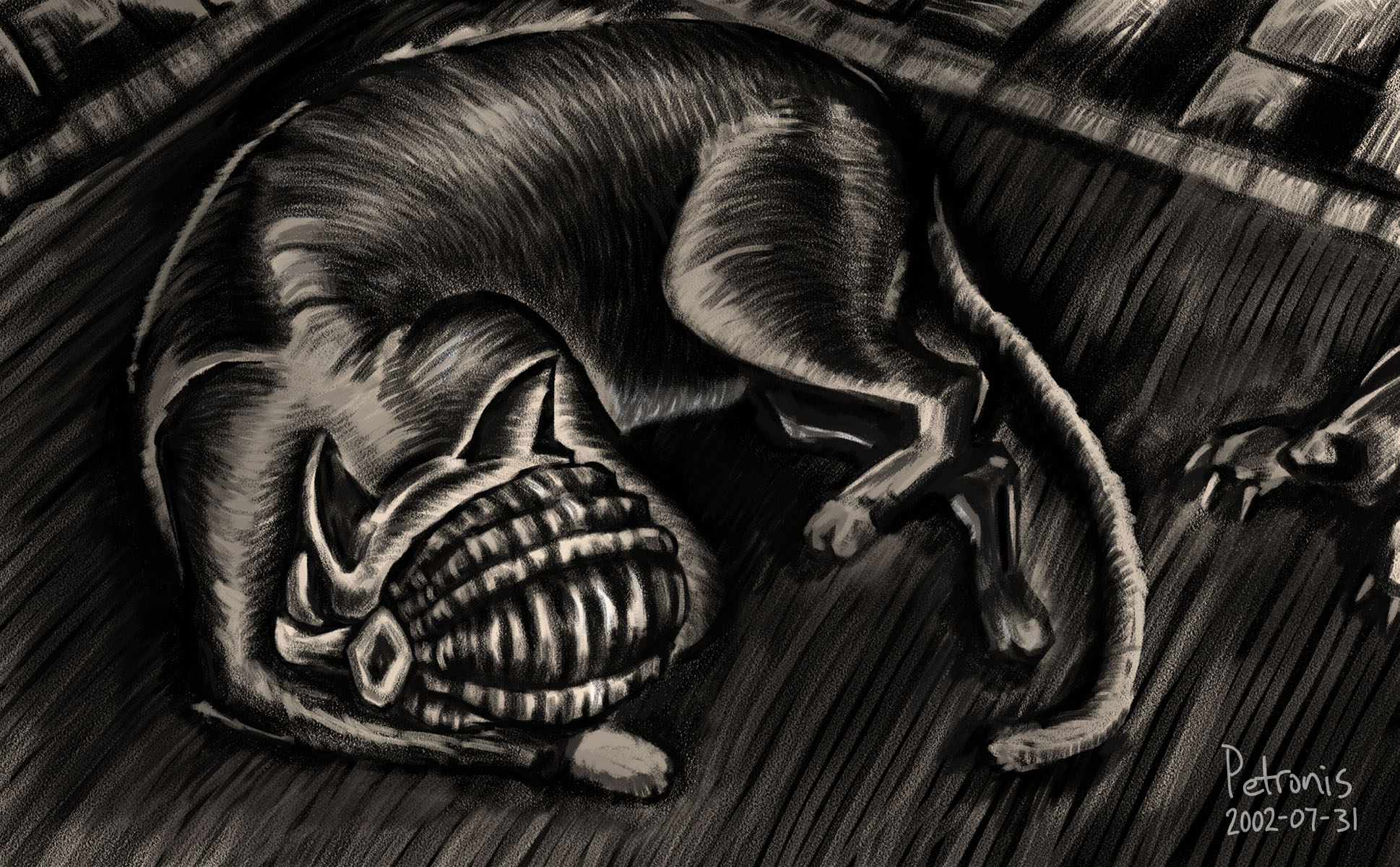
Drawing from 2002 of Derry the cat in the style of American author Wanda Gág:

Attempt to imitate Gág's drawing style.
Attempt to imitate Gág’s drawing style.

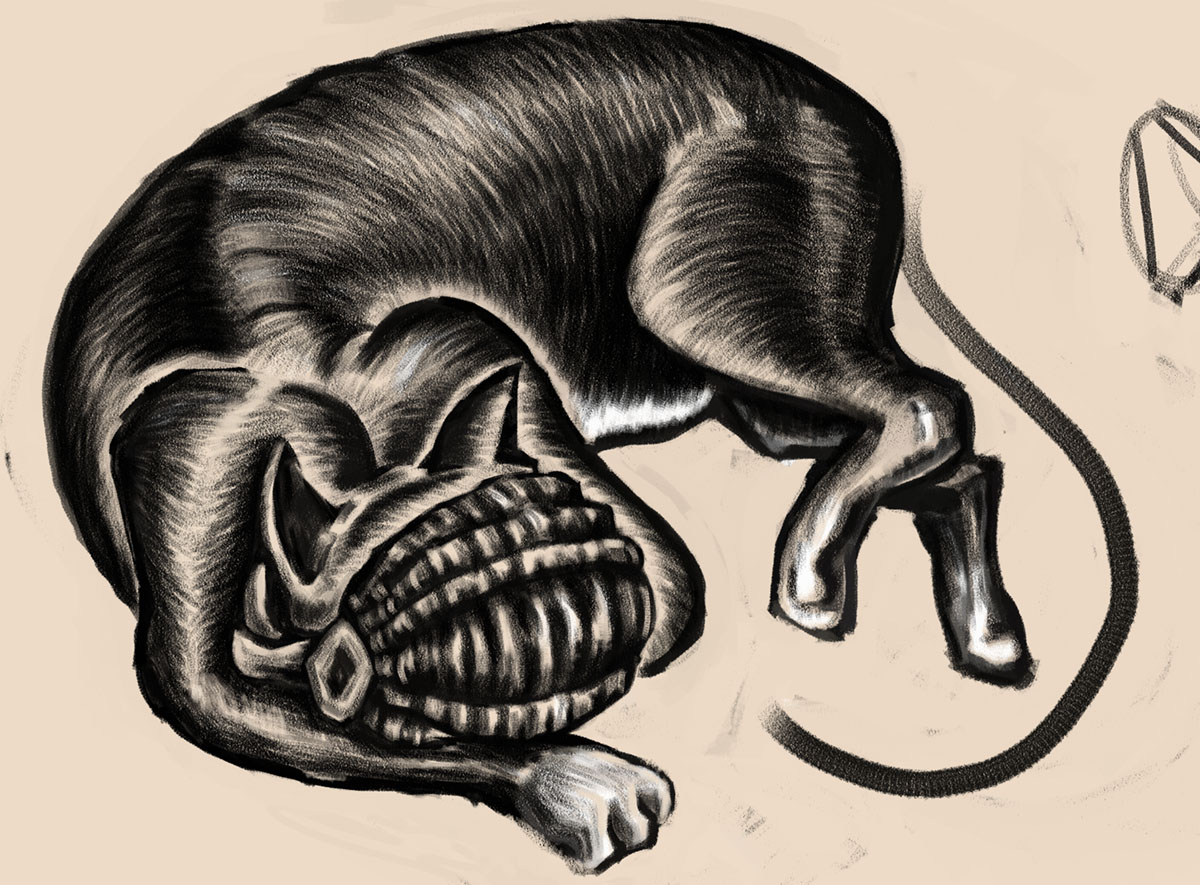
Derry had a penchant for wearing baskets on his head whilst napping.

derry_basket_body_2002
Incomplete drawing development.
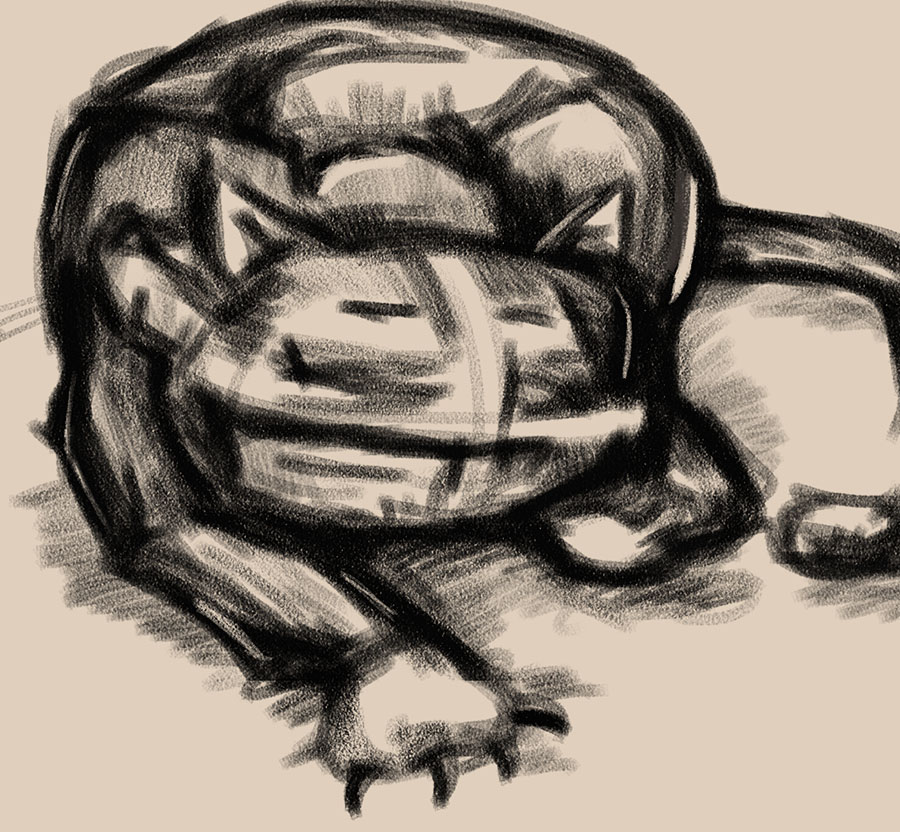
Early sketch of kitty wearing a basket.
Preliminary sketch of kitty wearing a basket.

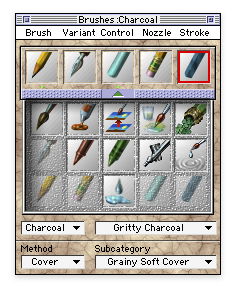
Drawn using Fractal Design Painter 5.0, probably with gritty charcoal brushes.

Brushes palette for Fractal Design Painter 5.0.
Fractal Design Painter brushes.

Illustrator Multi-Display Fix

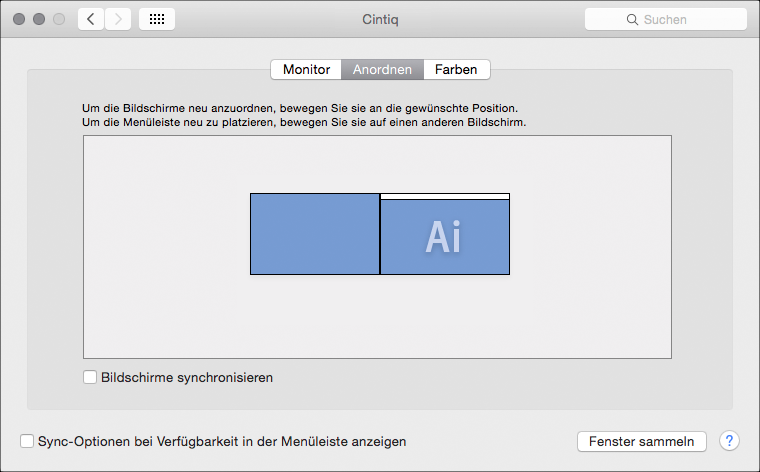
On a multi-display computer setup, Adobe Illustrator sometimes presents dialog boxes on the wrong monitor. Application dialog boxes repeatedly appear on the secondary display, even though the system menu bar, Dock, and document windows reside exclusively on the primary screen.

OS X Displays PrefPane
The primary display is on the right, but Illustrator erroneously places dialog boxes and other interface elements on the left.  OS X 10.11.2.

Discarding application preferences usually fixes this sort of interface annoyance. But beginning with Illustrator 19.1, that approach stopped working reliably. A conflict with Adobe Cloud synchronization is a likely suspect, but turns out not to be a factor in this case.

Snooping around Adobe configuration files reveals some candidates that relate to monitor state:

~/Library/Preferences/Adobe Illustrator 19 Settings/de_DE/WSMgrCfg/WSMgrCfg
~/Library/Preferences/Adobe Illustrator 19 Settings/de_DE/DVADialogPrefs.xml

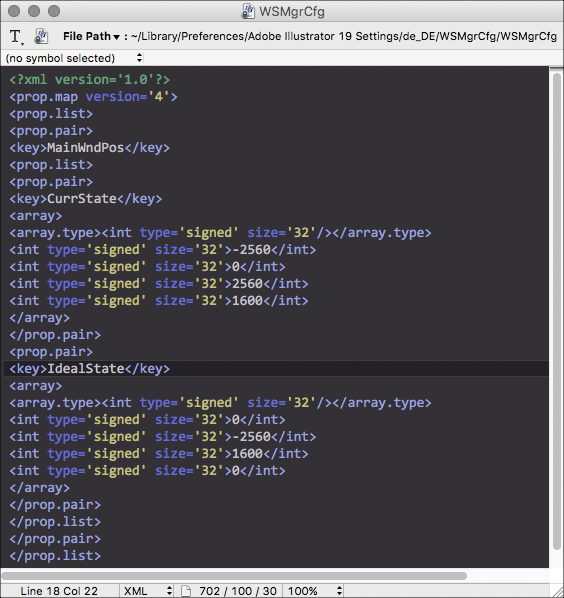
WSMgrCfg contains some keys called CurrState and IdealState that contain pixel resolution and position information. In this situation, those coordinates erroneously refer to the secondary monitor. Note the negative value of -2560 pixels, which means it’s the left-hand monitor:

Ai WSMgrCfg Bad
Incorrect Illustrator settings.

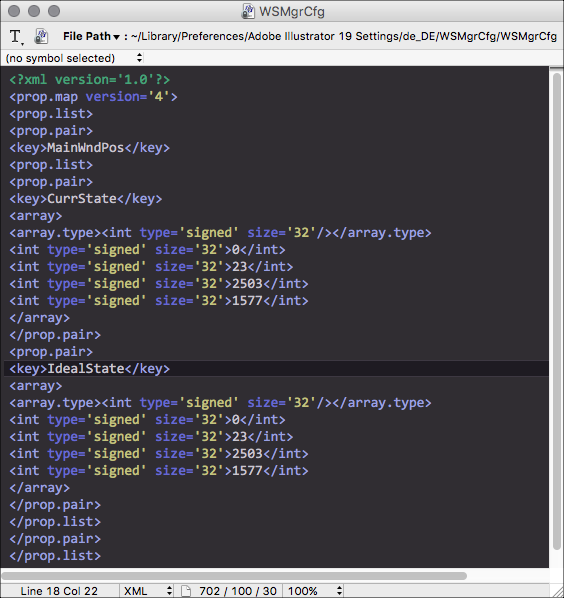
One solution is to edit WSMgrCfg using the values from DVADialogPrefs.xml. (This file treats a 2560 x 1600 display as only 2503 x 1577, presumbaly the full pixel resolution minus the height for the menu bar and Dock.) After editing, CurrState and IdealState refer exclusively to the primary display.

Ai Config Good
Fixed Illustrator settings.

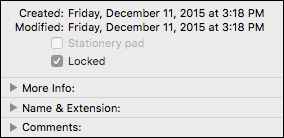
Locking the configuration file as read-only will prevent Illustrator from overwriting the new settings.

Ai Config Locked

So far, this brute force approach seems to be working without any apparent side effects.

-Jay

Galactic Emperor

Drawing of the Star Wars Galatic Emperor preparing a morning space-meal:

Galactic Emperor's Breakfast
Scribbles.app cartoon of the Galactic Emperor from 2008.
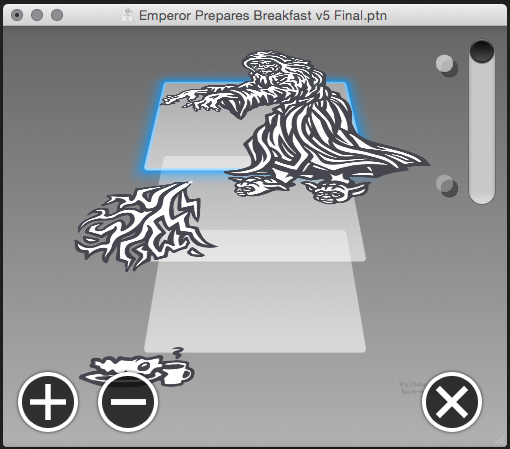
Scribbles.app layer view.
Scribbles.app drawing layers.
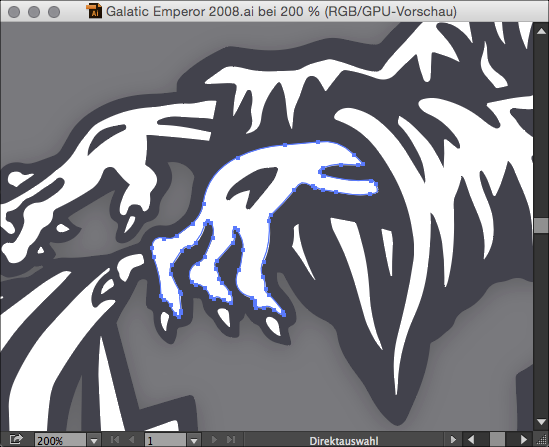
Bezier path touchup.
Slight image cleanup using Adobe Illustrator in 2015.
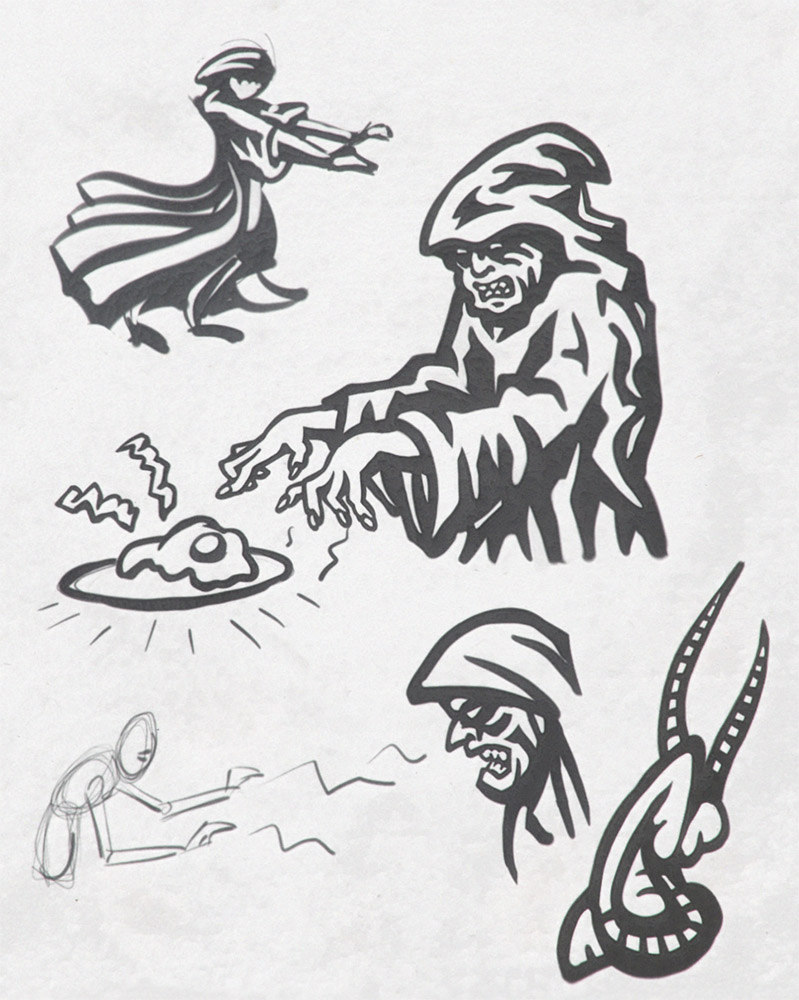
Crude cartoonish sketches.
Preliminary sketches from 2008 of a robed character.